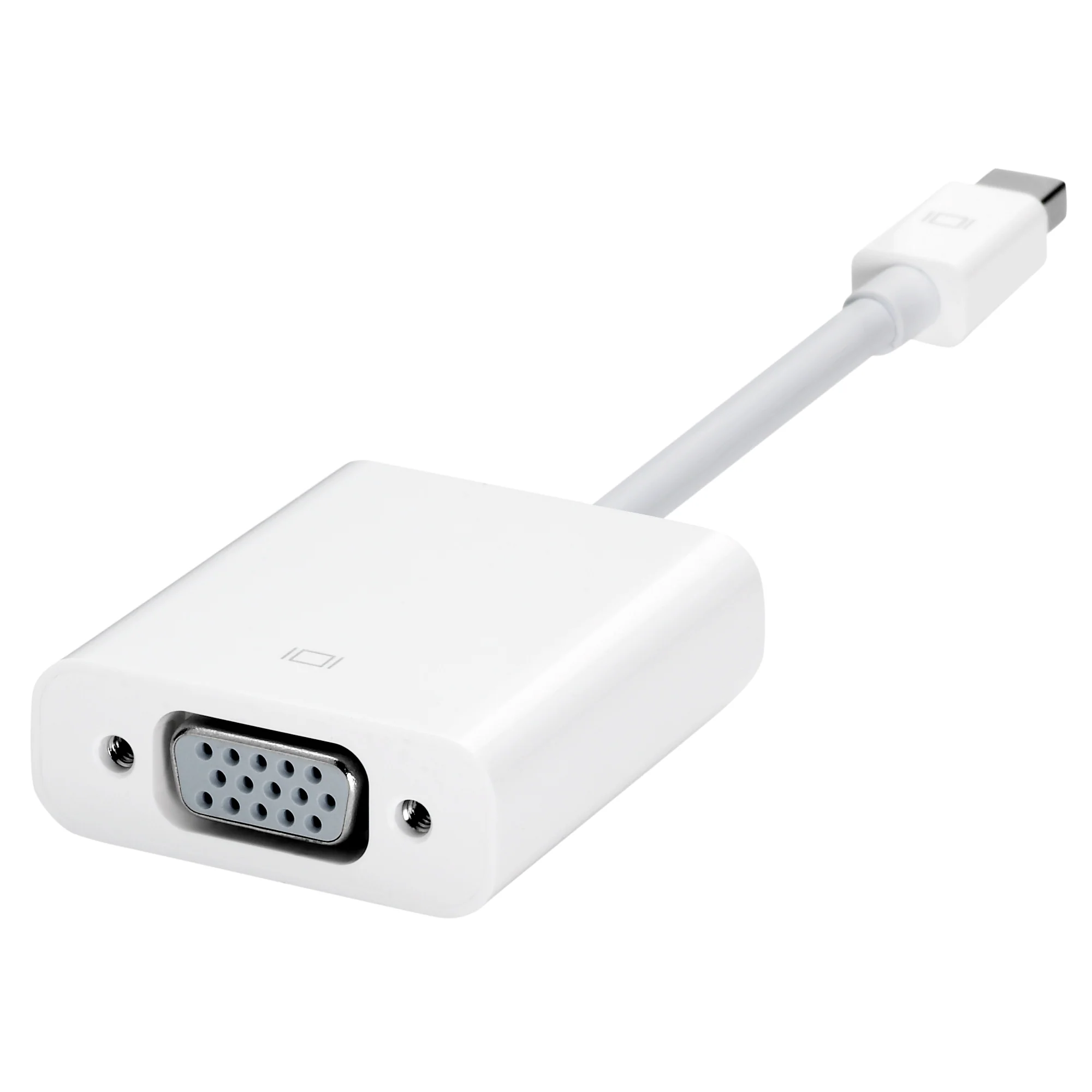
Apple Official Mini DisplayPort to VGA Adapter - White
Every Mac with a Mini DisplayPort allows you to connect an external display or projector using an adapter. You can use an external display as your main workspace or to extend your desktop, or you can work in mirrored mode with a projector so you can view what your audience sees.
Use the Mini DisplayPort to VGA Adapter to connect your Mac to a standard analogue monitor, projector, or LCD that uses a VGA connector or cable. Review the documentation or check with the manufacturer of your monitor to make sure you're choosing the right adapter.
Connections
- Mini DisplayPort
- VGA
Sytem requirements
Compatible with Mac computers with Mini DisplayPort and Thunderbolt ports
Compatibility
Mac Models
MacBook Air (13-inch, Early 2015–2017)
MacBook Air (11-inch, Early 2015)
MacBook Pro (Retina, 13-inch, Late 2012–2015)
MacBook Pro (Retina, 15-inch, Mid 2012–2015)
iMac (Retina 4K, 21.5-inch, Late 2015)
iMac (Retina 5K, 27-inch, Late 2014–2015)
Mac mini (Late 2014)
Mac Pro (Late 2013)
Original: $32.44
-65%$32.44
$11.35More Images
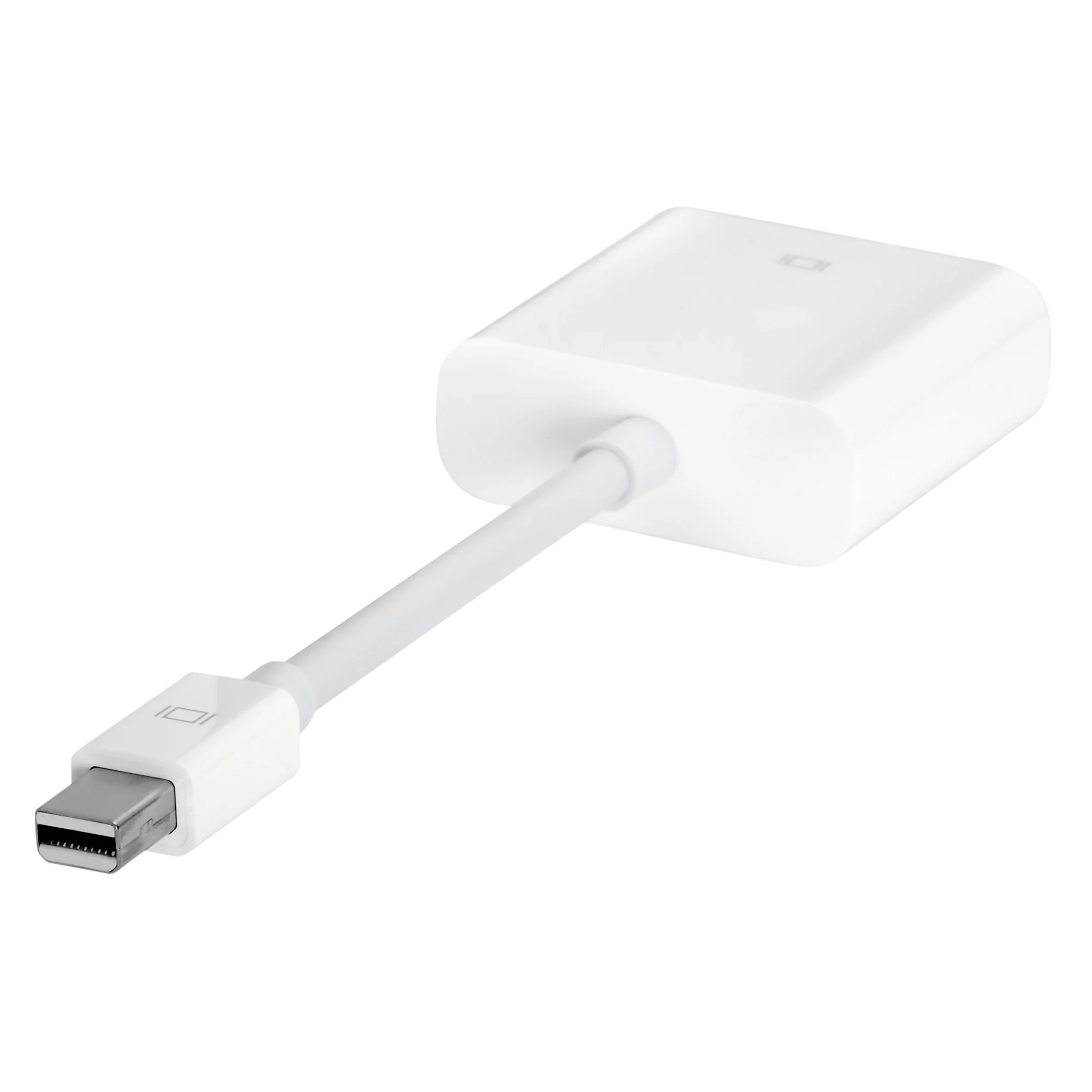
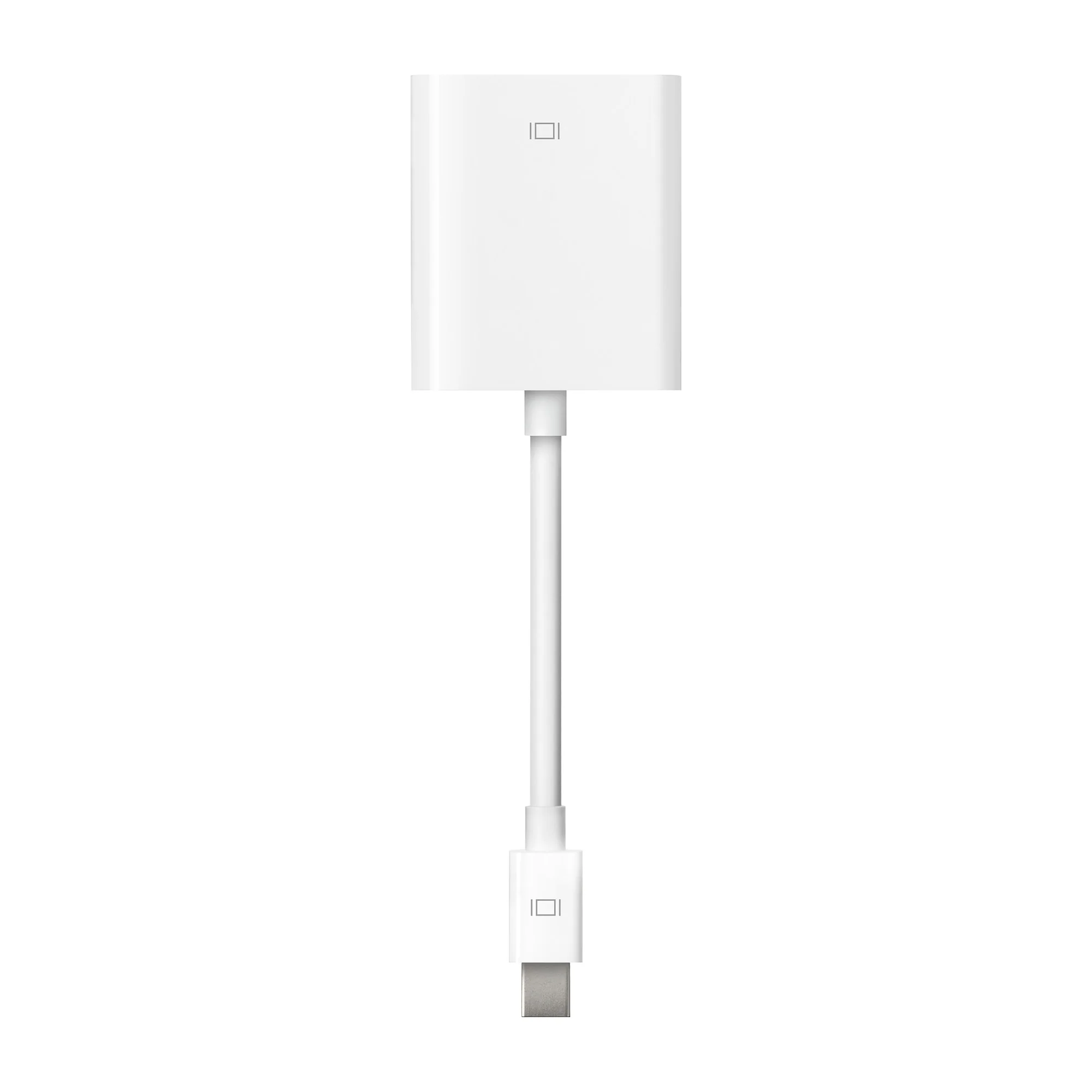
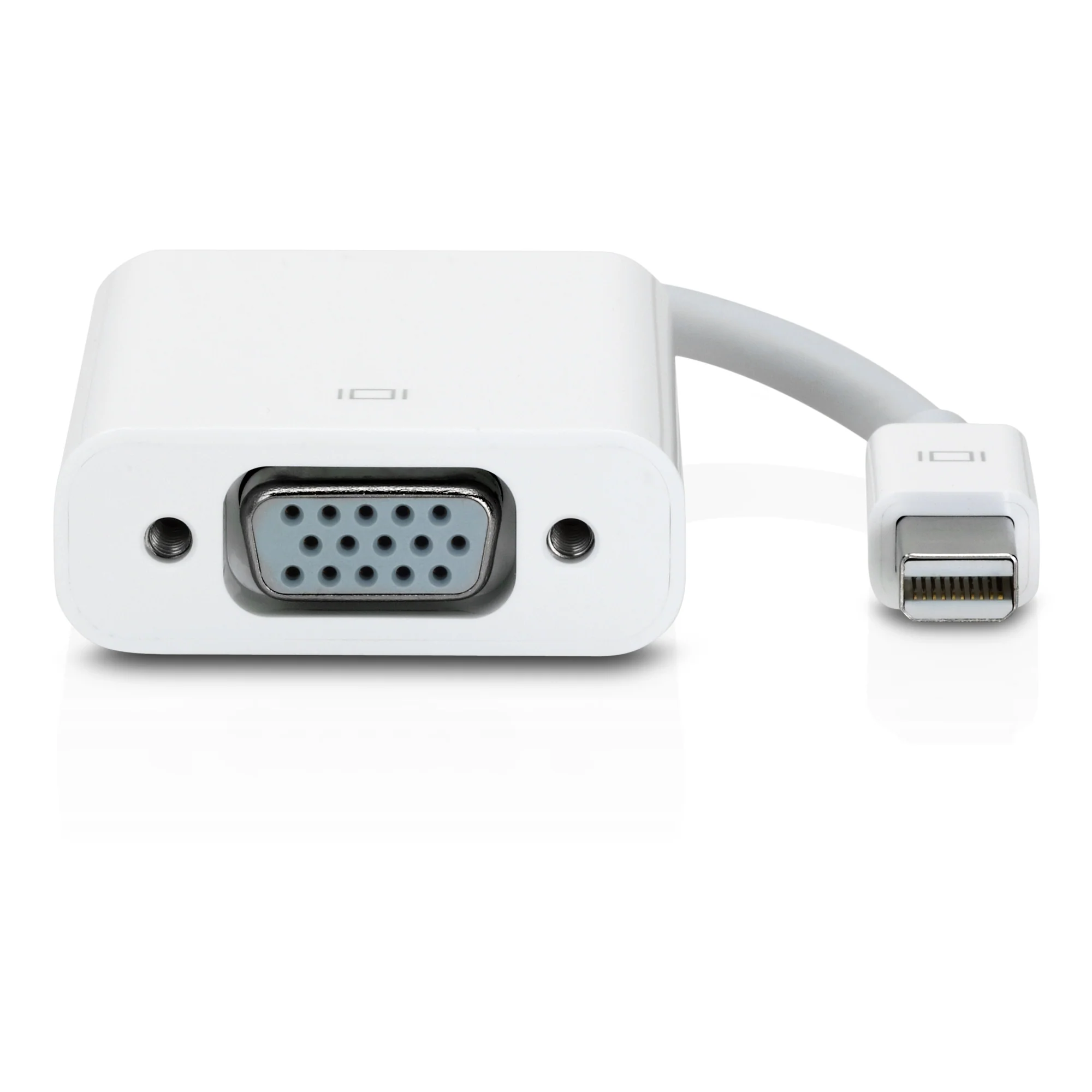
Apple Official Mini DisplayPort to VGA Adapter - White
Every Mac with a Mini DisplayPort allows you to connect an external display or projector using an adapter. You can use an external display as your main workspace or to extend your desktop, or you can work in mirrored mode with a projector so you can view what your audience sees.
Use the Mini DisplayPort to VGA Adapter to connect your Mac to a standard analogue monitor, projector, or LCD that uses a VGA connector or cable. Review the documentation or check with the manufacturer of your monitor to make sure you're choosing the right adapter.
Connections
- Mini DisplayPort
- VGA
Sytem requirements
Compatible with Mac computers with Mini DisplayPort and Thunderbolt ports
Compatibility
Mac Models
MacBook Air (13-inch, Early 2015–2017)
MacBook Air (11-inch, Early 2015)
MacBook Pro (Retina, 13-inch, Late 2012–2015)
MacBook Pro (Retina, 15-inch, Mid 2012–2015)
iMac (Retina 4K, 21.5-inch, Late 2015)
iMac (Retina 5K, 27-inch, Late 2014–2015)
Mac mini (Late 2014)
Mac Pro (Late 2013)
Product Information
Product Information
Shipping & Returns
Shipping & Returns
Description
Every Mac with a Mini DisplayPort allows you to connect an external display or projector using an adapter. You can use an external display as your main workspace or to extend your desktop, or you can work in mirrored mode with a projector so you can view what your audience sees.
Use the Mini DisplayPort to VGA Adapter to connect your Mac to a standard analogue monitor, projector, or LCD that uses a VGA connector or cable. Review the documentation or check with the manufacturer of your monitor to make sure you're choosing the right adapter.
Connections
- Mini DisplayPort
- VGA
Sytem requirements
Compatible with Mac computers with Mini DisplayPort and Thunderbolt ports
Compatibility
Mac Models
MacBook Air (13-inch, Early 2015–2017)
MacBook Air (11-inch, Early 2015)
MacBook Pro (Retina, 13-inch, Late 2012–2015)
MacBook Pro (Retina, 15-inch, Mid 2012–2015)
iMac (Retina 4K, 21.5-inch, Late 2015)
iMac (Retina 5K, 27-inch, Late 2014–2015)
Mac mini (Late 2014)
Mac Pro (Late 2013)