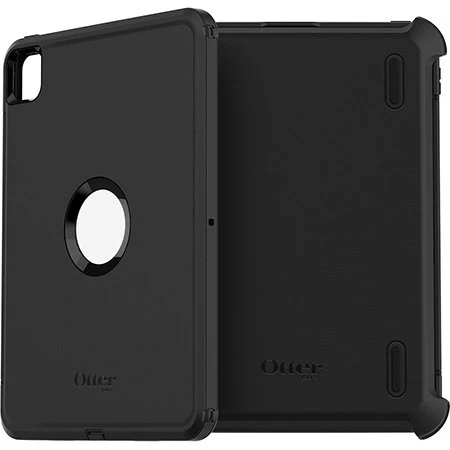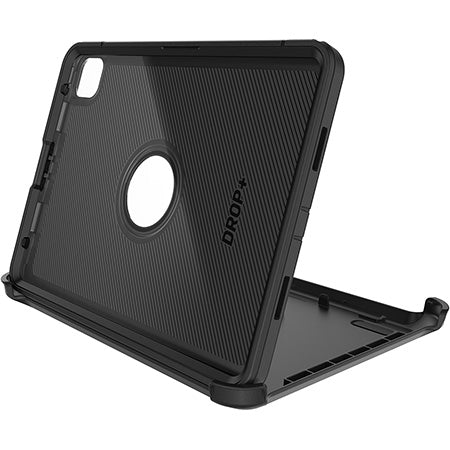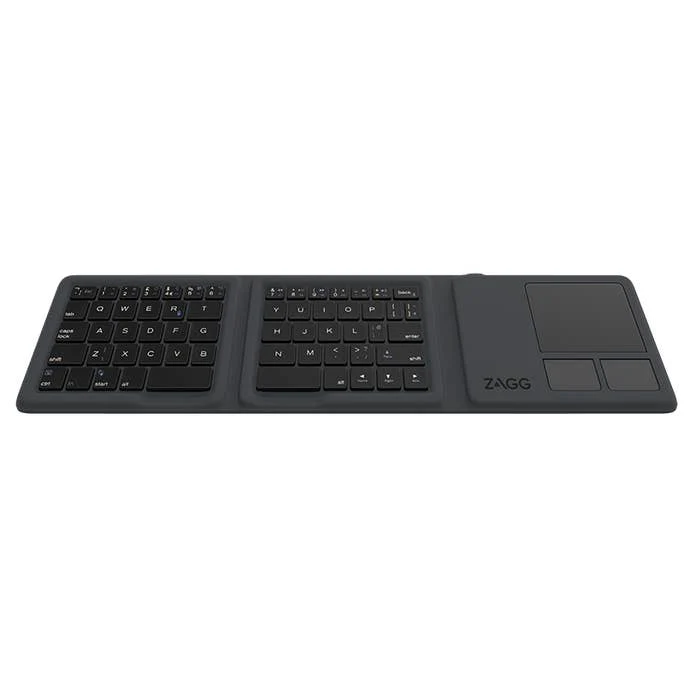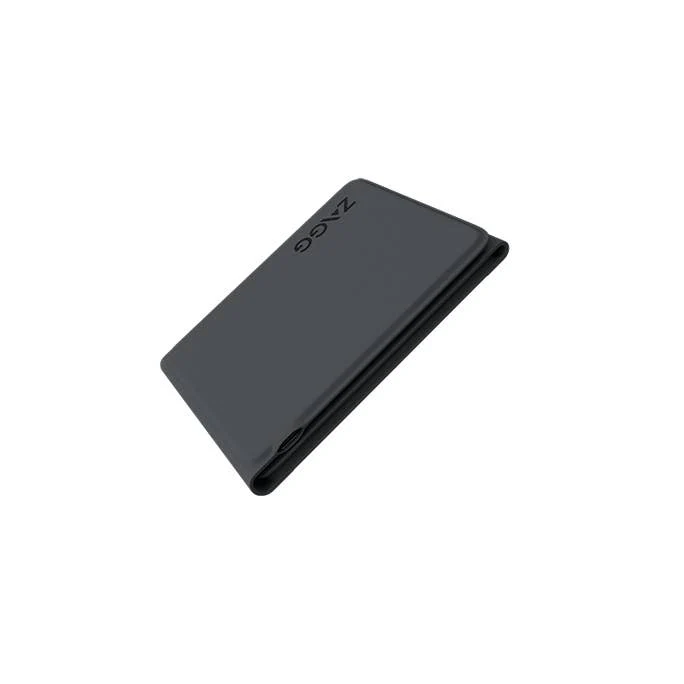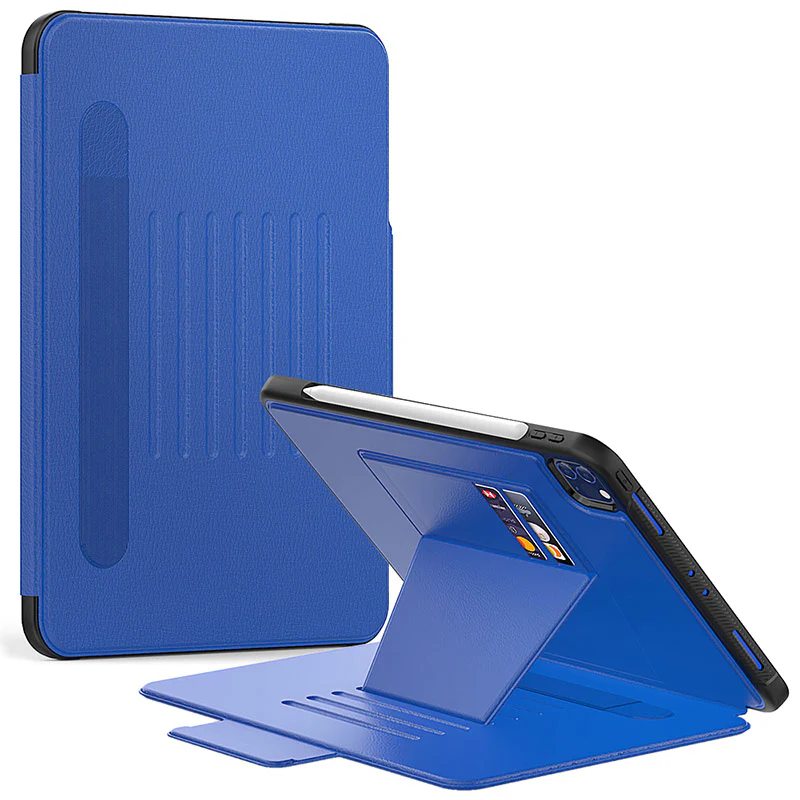
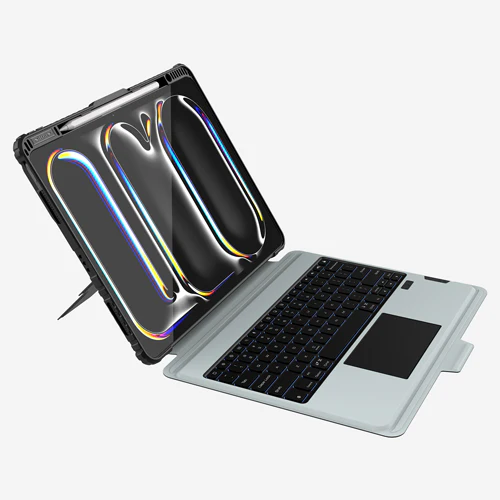
Rugged Detachable Keyboard & Trackpad Case iPad Pro 11 M4 / M5 - Black
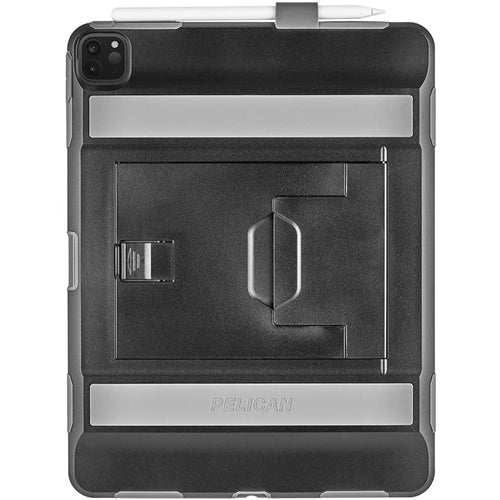
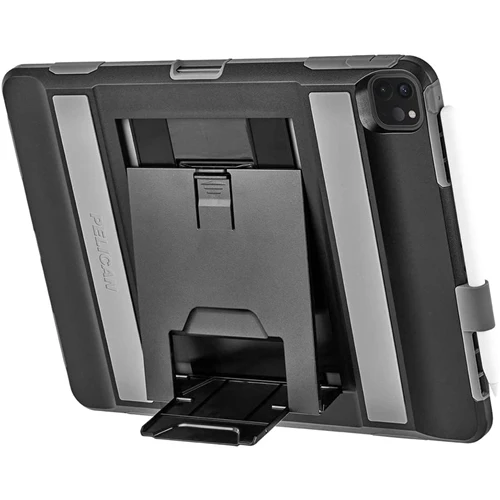
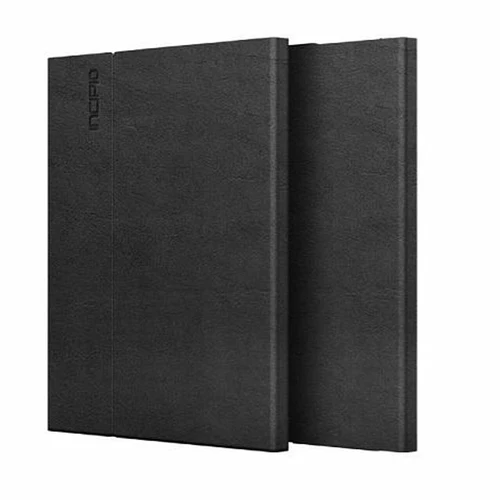
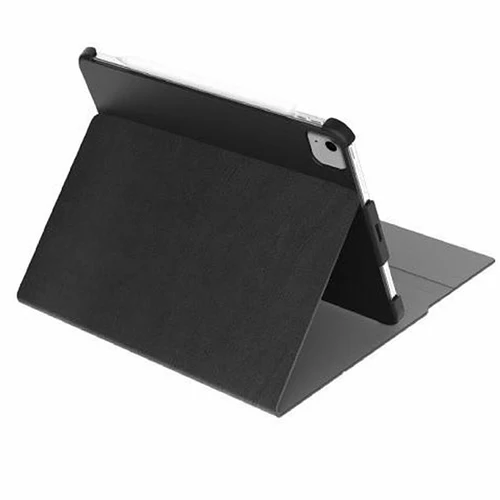
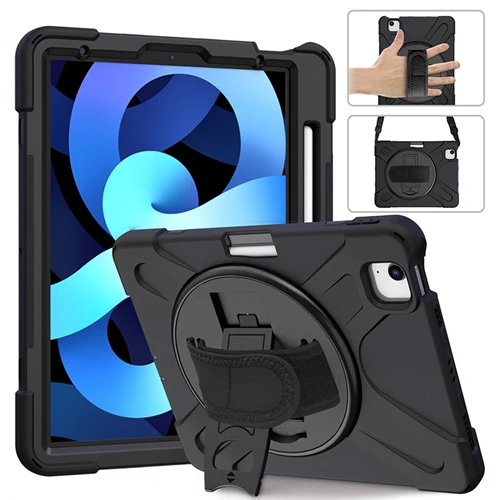
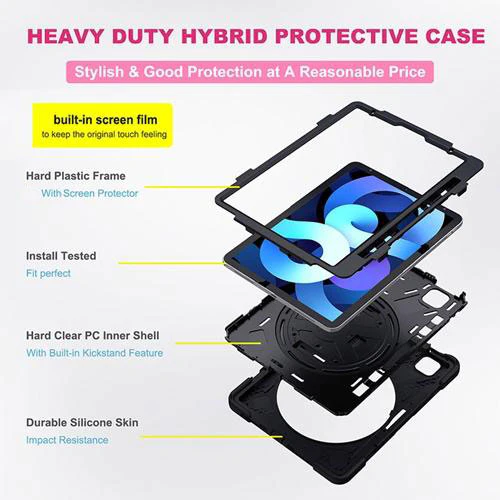
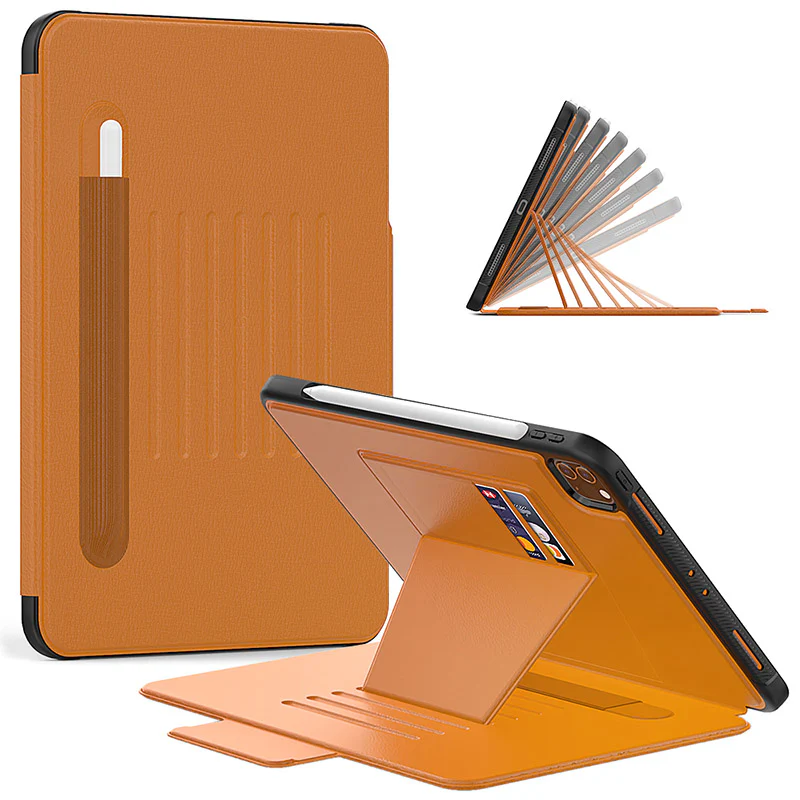
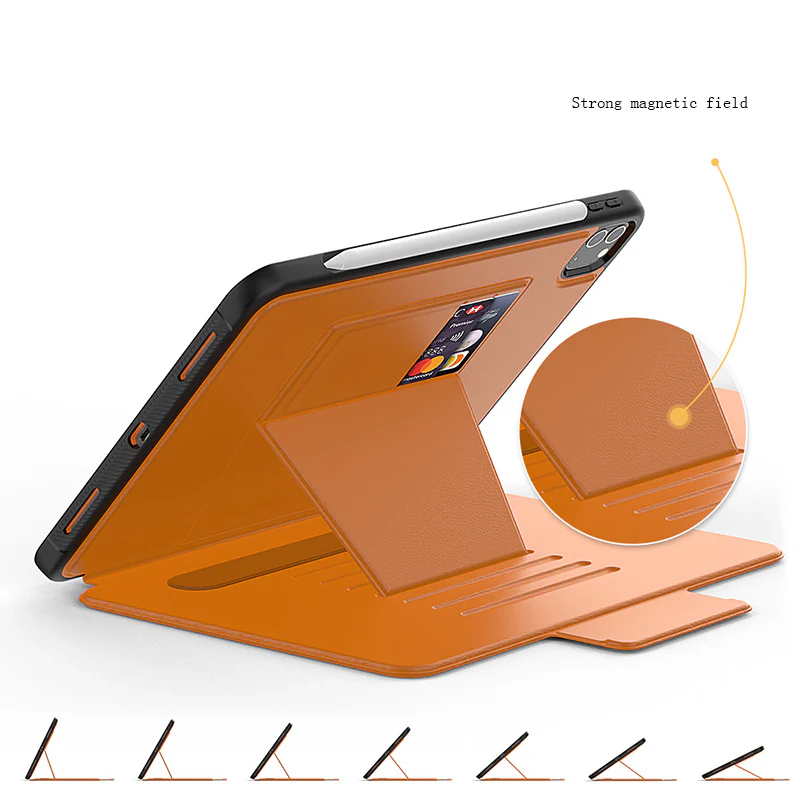
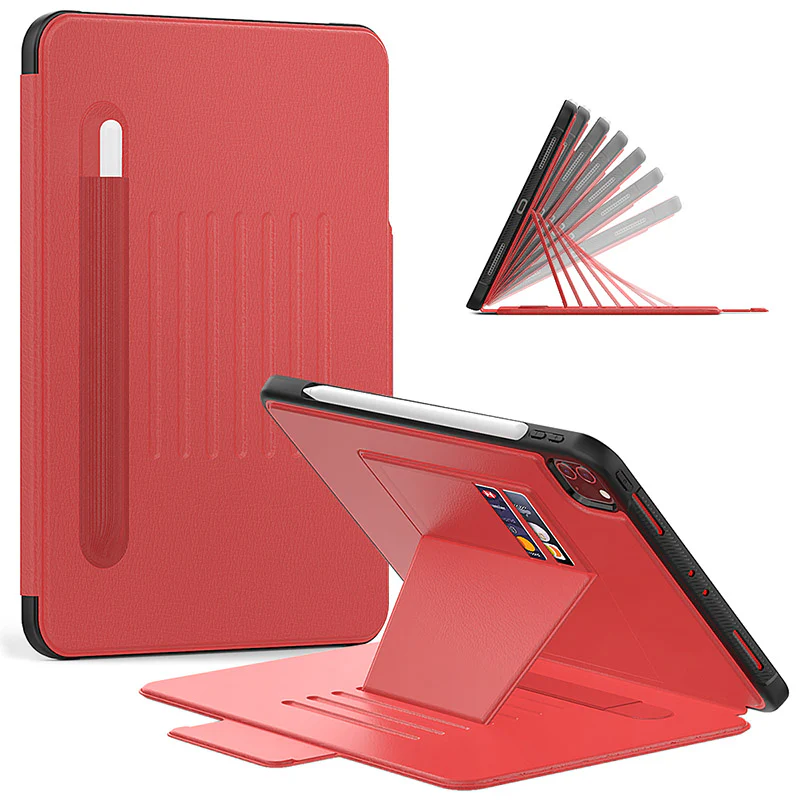
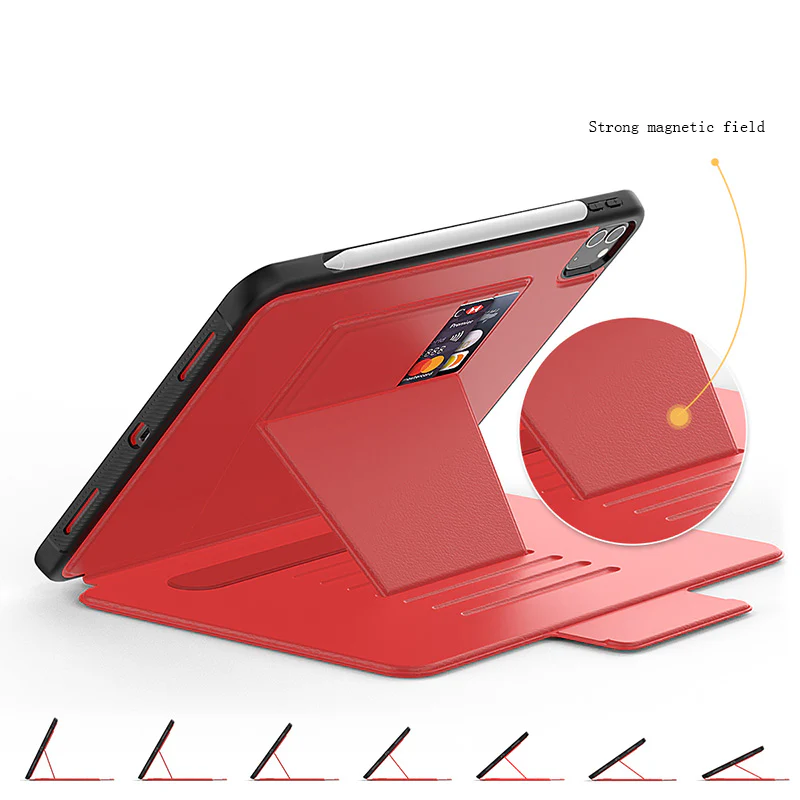
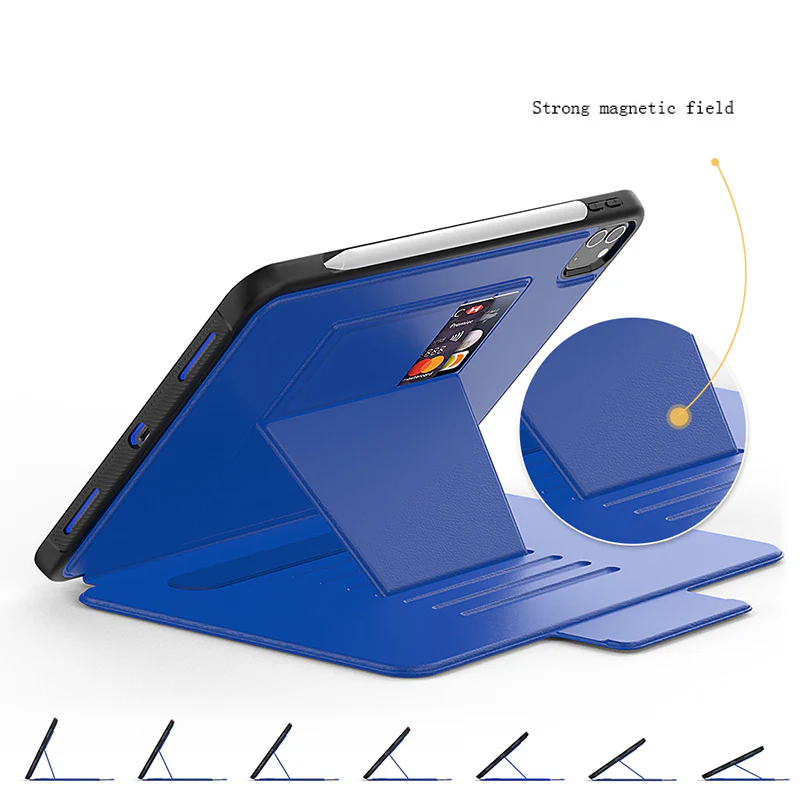
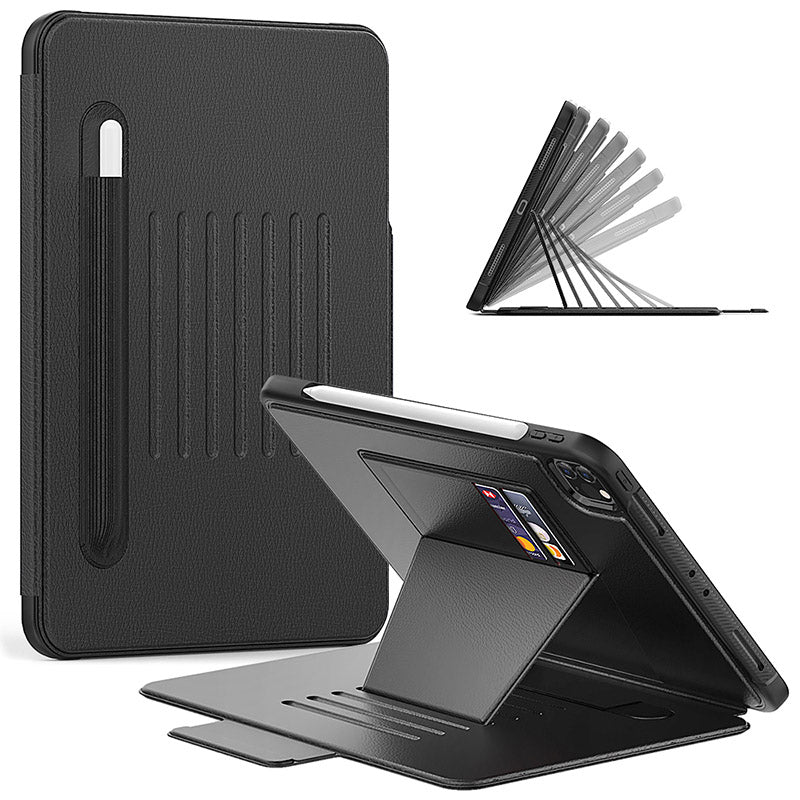
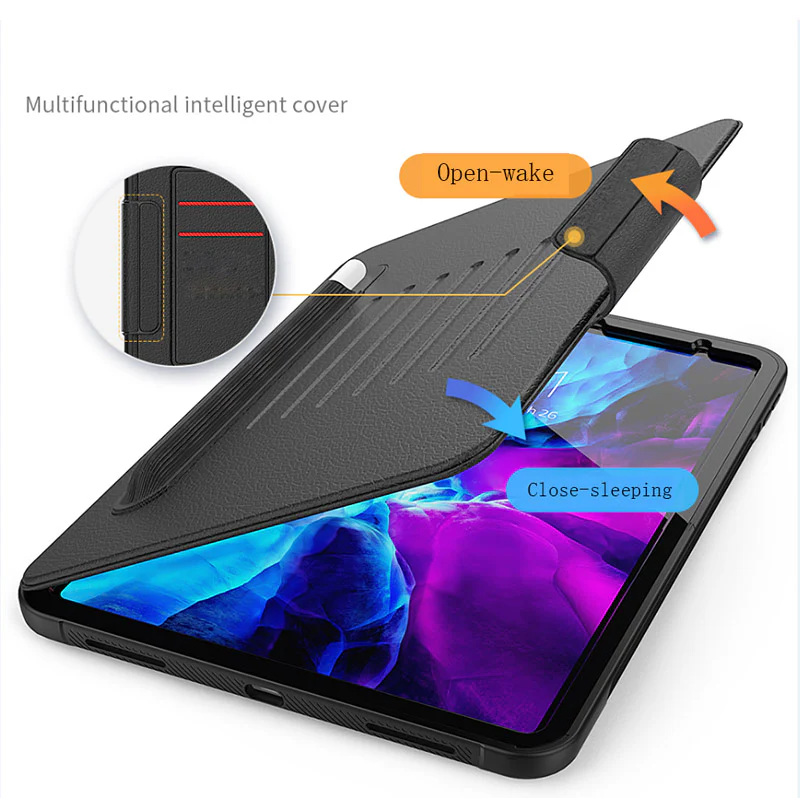
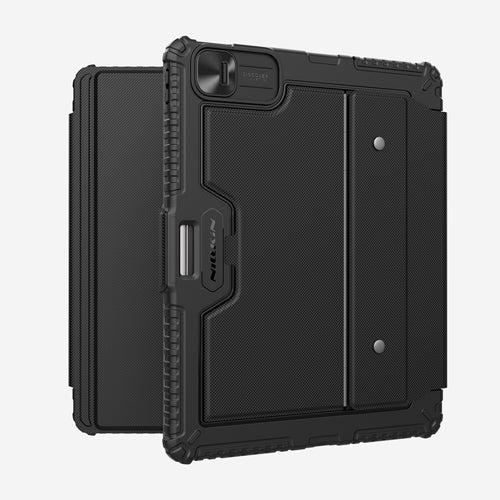
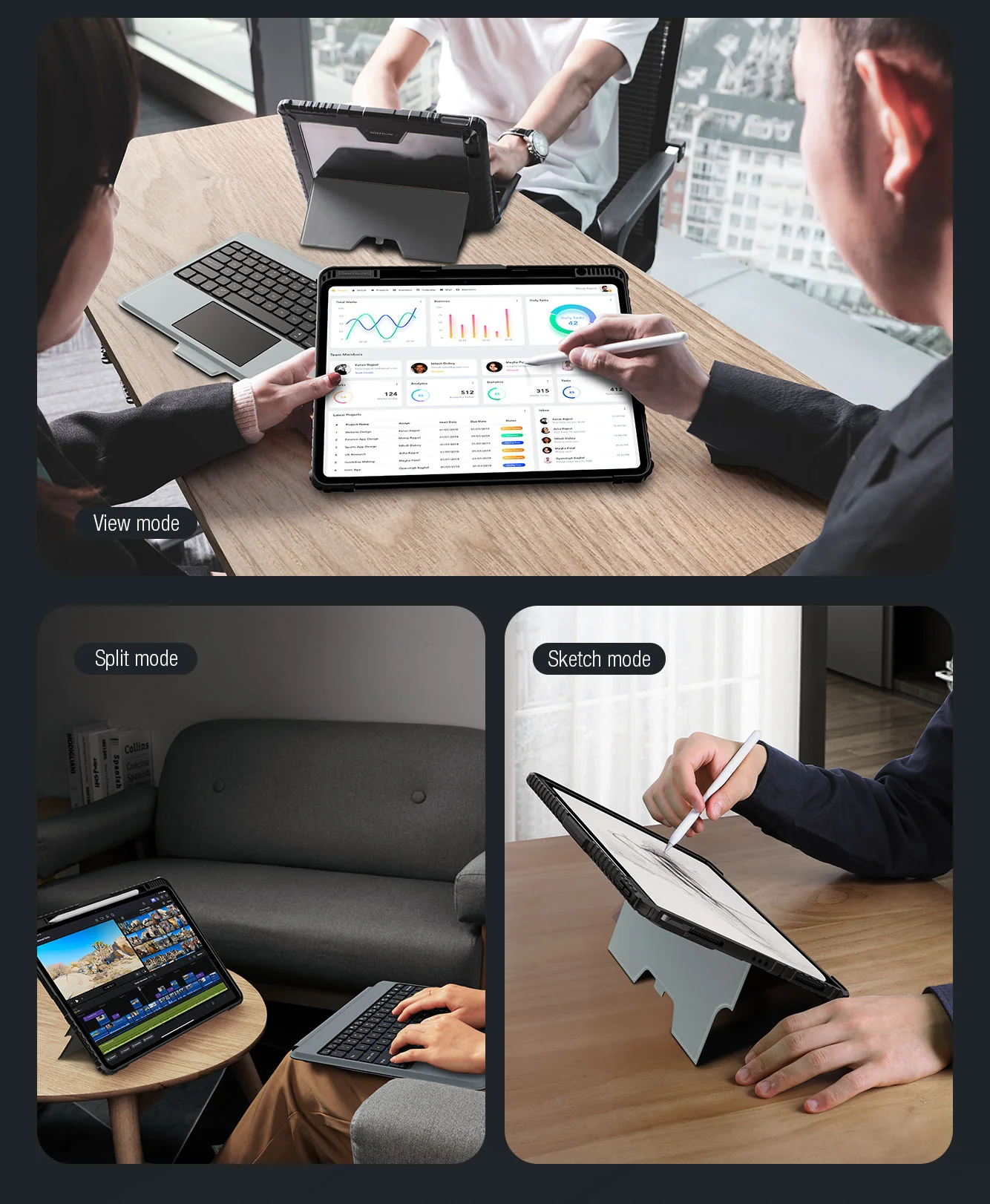
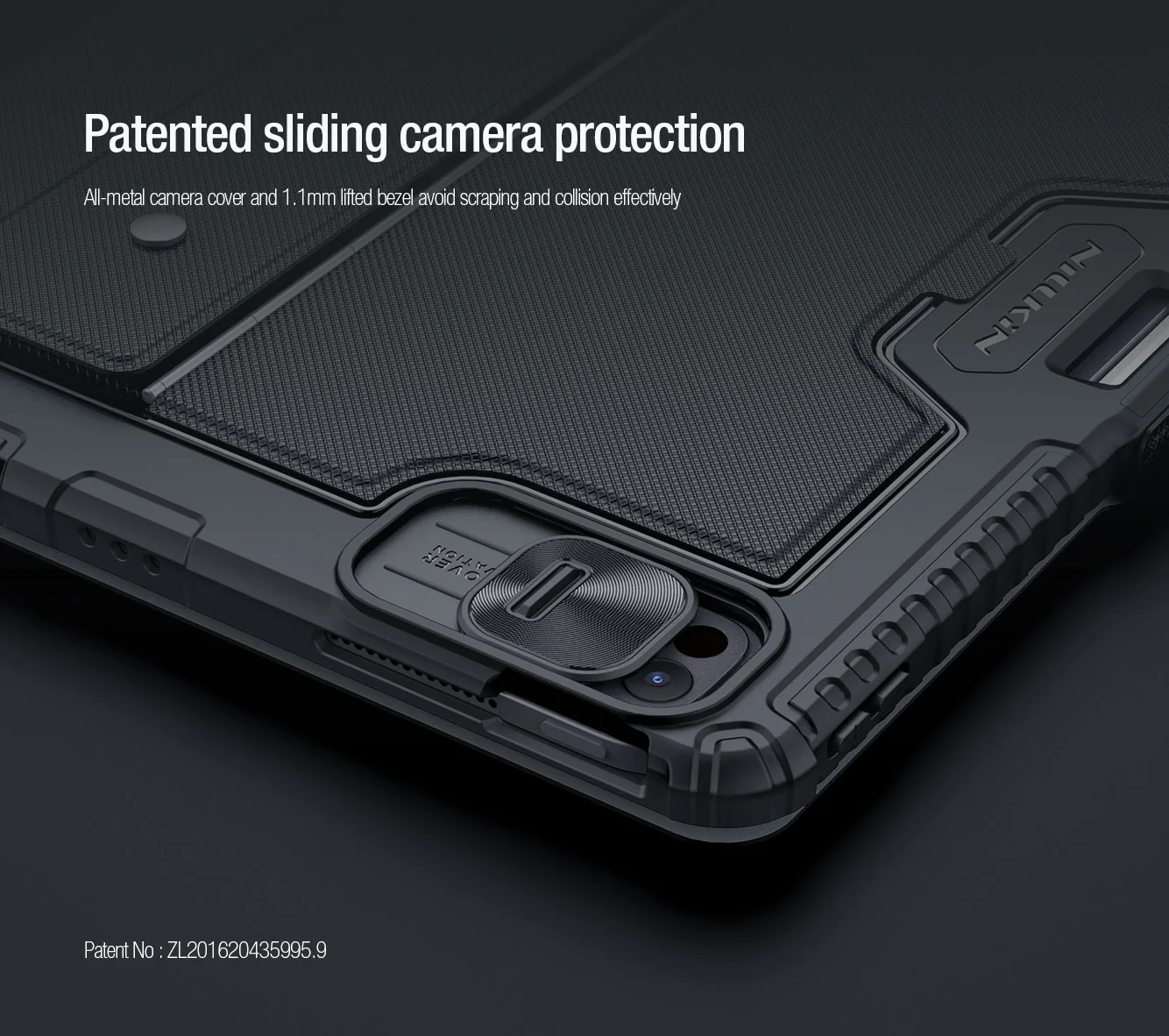
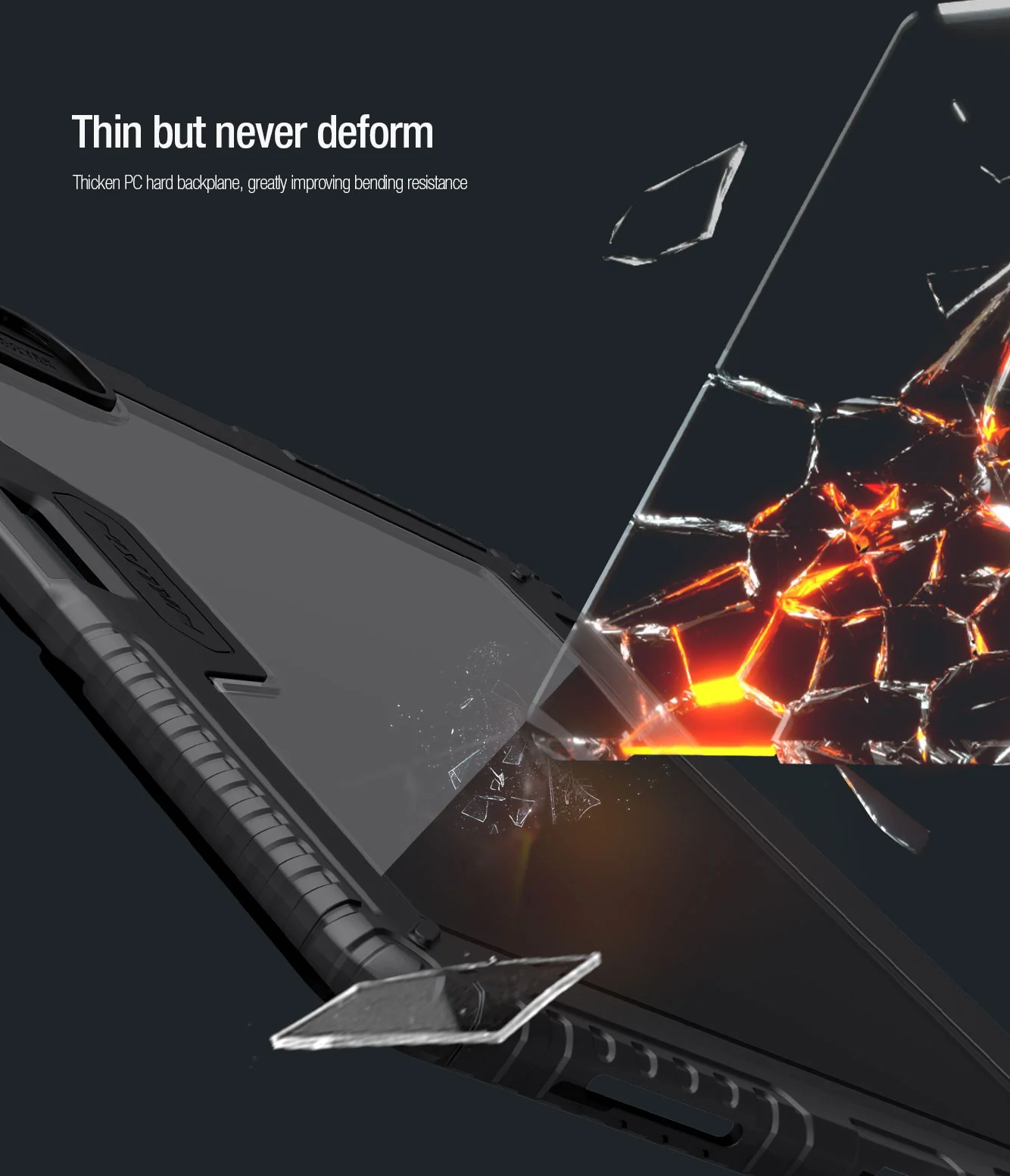
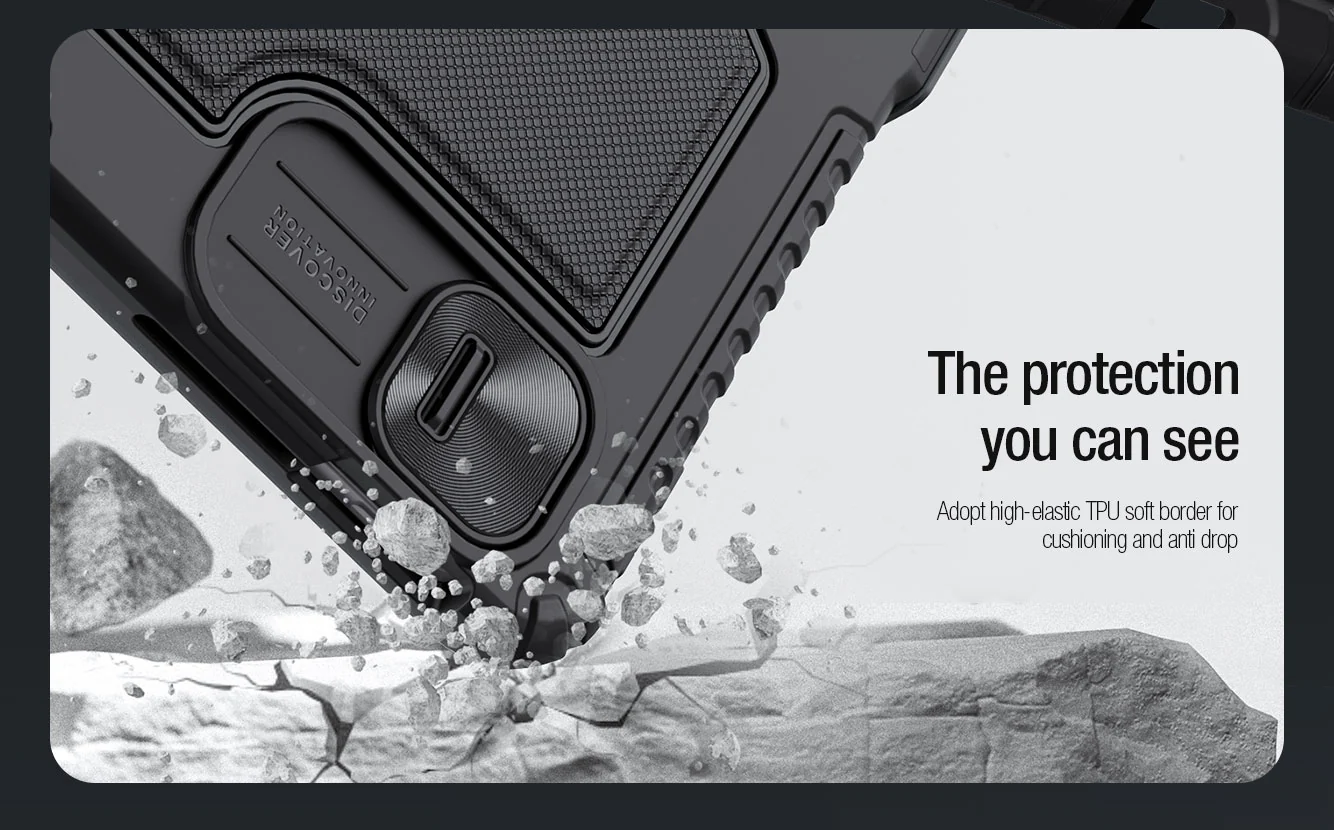
Rugged Combo Keyboard with Trackpad Case is a multi-function keyboard case specially for iPad Pro 11" M4 2024 featuring an adjustable stand, a detachable keyboard and a track-pad that make it convenient to type, view, read and sketch. Also let you enjoy a flexible operation experience. The adopted military-grade anti-fall case wraps tightly around iPad 's edges, offering all around protection. Patented sliding camera cover design efficiently protect iPad's camera from abrasion and scratches. Concise and delicate PU fabric blends with the aesthetics of iPad, a perfect integration of art and technology.

Features
- Rugged & Tough protective iPad case (Detachable from keyboard & Kickstand)
- Bluetooth Keyboard
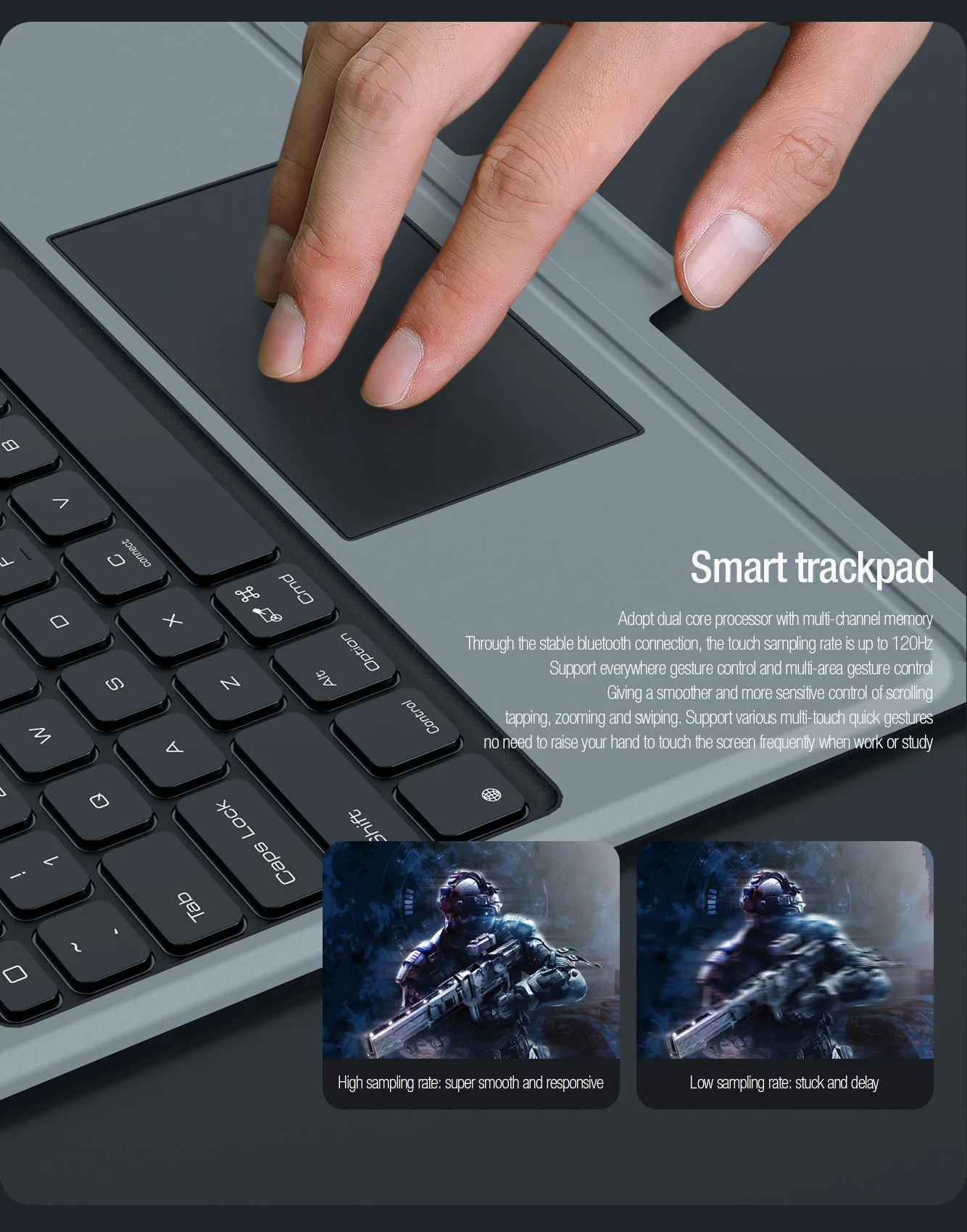
- Smart track-pad (IOS system track-pad gesture)
- multi-functional mode
- Full Coverage rugged protection
- Sliding back camera protective cover (Metal)
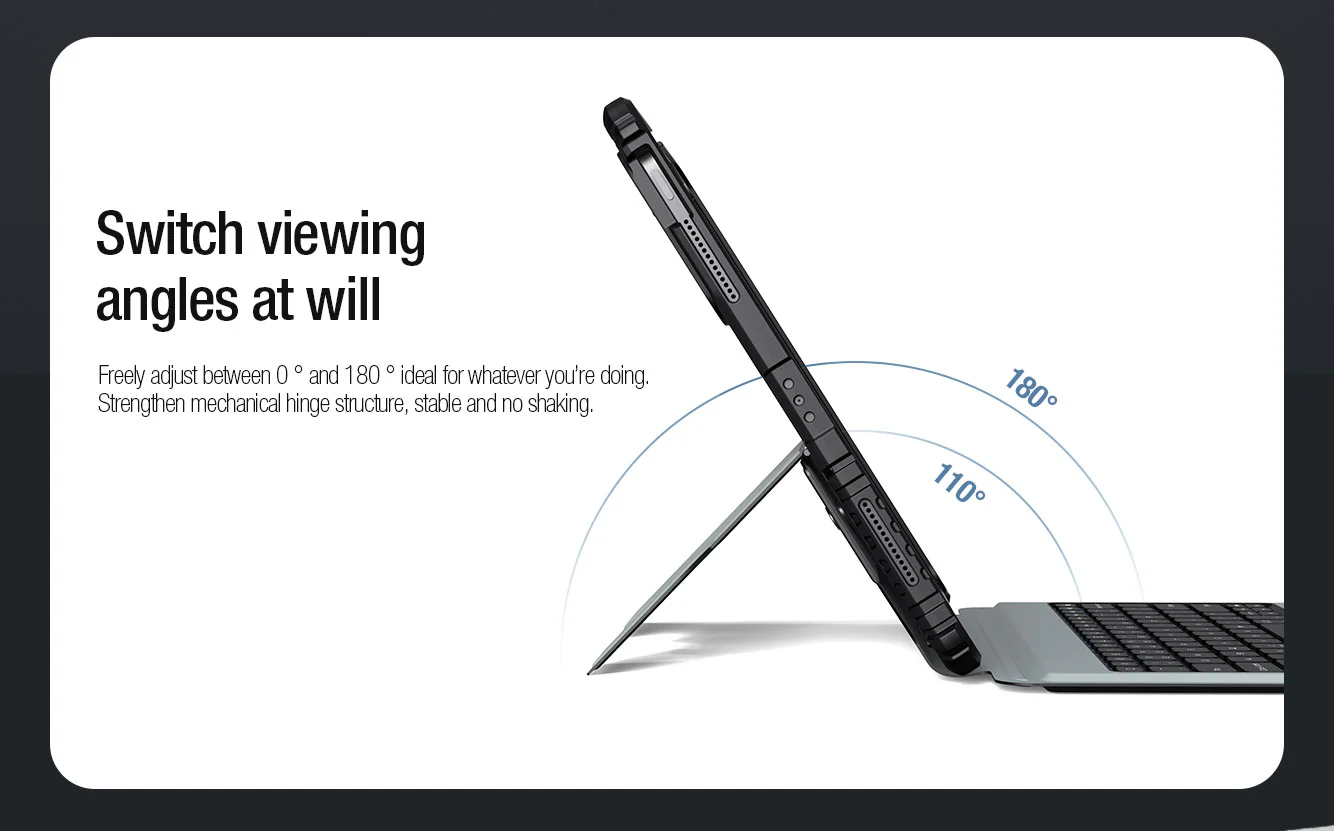
- Adjustable stand
- Detachable case & keyboard
- Magnetic flap keep folio close
- Stylus slot (allow apple pencil charging direct to iPad)
- Support Apple magic trackpad Precise touch technology
- Support Anti mistouch technology
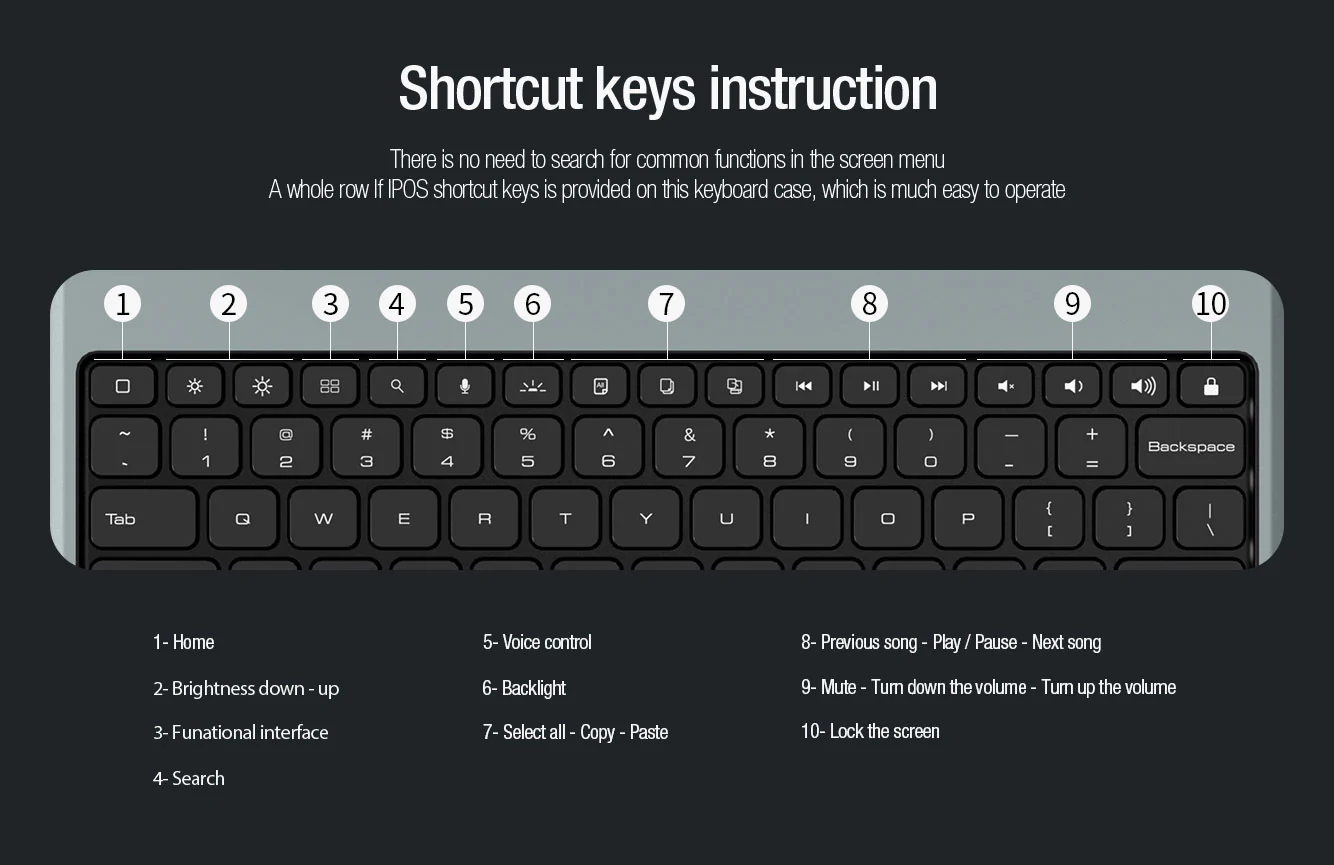
- Independent shortcut key
- 78x pieces keys
- Battery percentage indicator
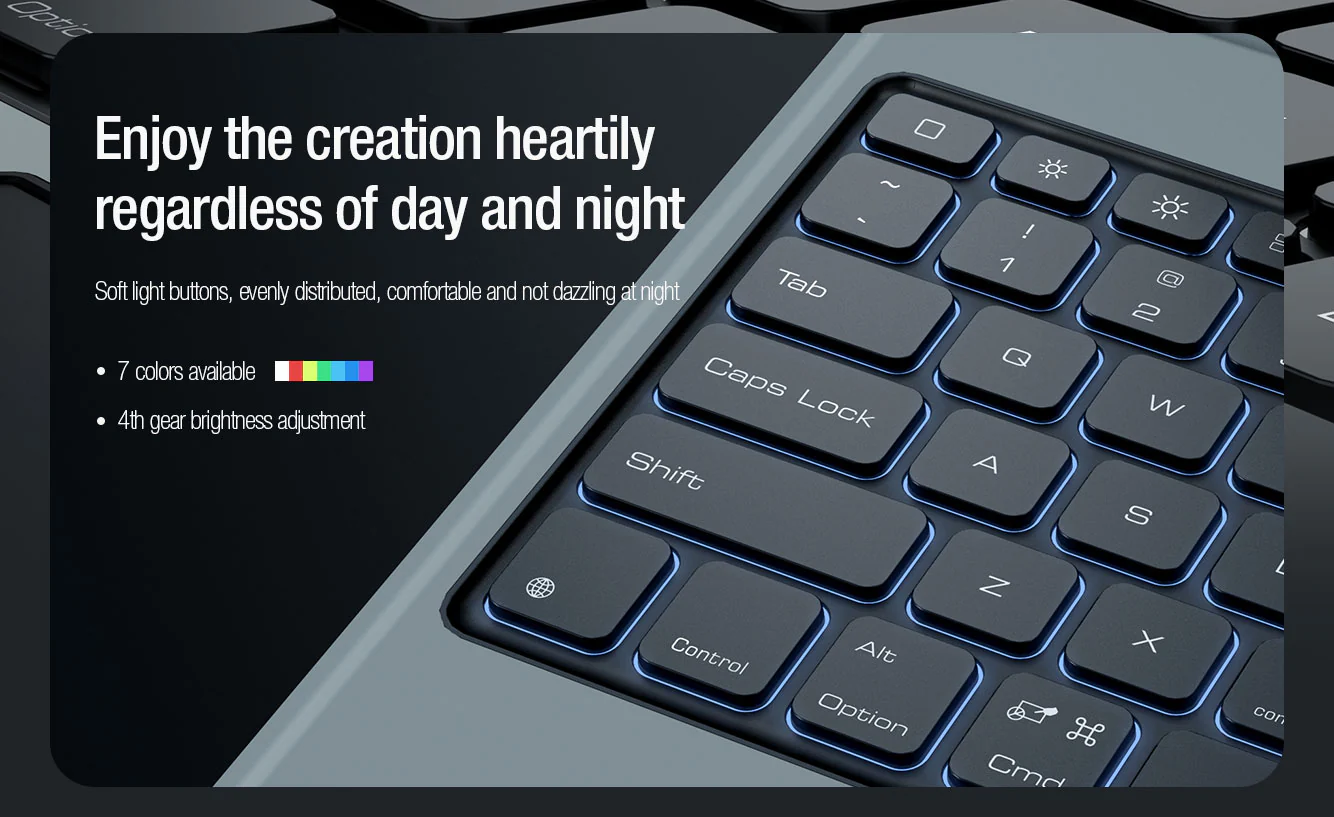
- Backlit keyboard with 7 colors and 4 brightness levels
Track-pad Assistive Gesture
Note:
IOS 13 mouse function activation: Setting - Accessibility - Touch - AssistiveTouch - Turn On
Keyboard Shortcut
Bluetooth 3.0
Working Voltage: 3.0 - 4.2V
Working Current: <6mA
Charging connection: USB-C
Lithium Battery Capacity: 500mAh
Effective Operating Range: within 10 meters
Working time: Non Backlight mode - 100 hours, Backlight Mode 14 Hours

Included in the box
- Keyboard Case with Track-pad
- Instruction manual
- Charging Cable (USB A to USB-C)
Bluetooth keyboard - How to pair the first initial connection?
- Step 1: Slide the power switch to On position, Power indicator will light on for 3 seconds, then off.
- Step 2: Press FN + Connect, Bluetooth indicator flashes to enter the pairing search mode.
- Step 3: Turn on the Bluetooth setting on the iPad then it will automatically search for Bluetooth devices
- Step 4: Find the bluetooth keyboard and click connect
- Step 5: After successful connection, the device will show as connected and Bluetooth pairing light indicator (on keyboard) will turn off automatically
Once paired, the next time keyboard & iPad Bluetooth is turn on, they will be connected automatically.
Compatible iPad Pro 11" M4 2024
NOT Compatible iPad PRO 11 1st / 2nd / 3rd / 4th Gen
NOT Compatible iPad AIR 10.9
Original: $134.81
-65%$134.81
$47.18More Images


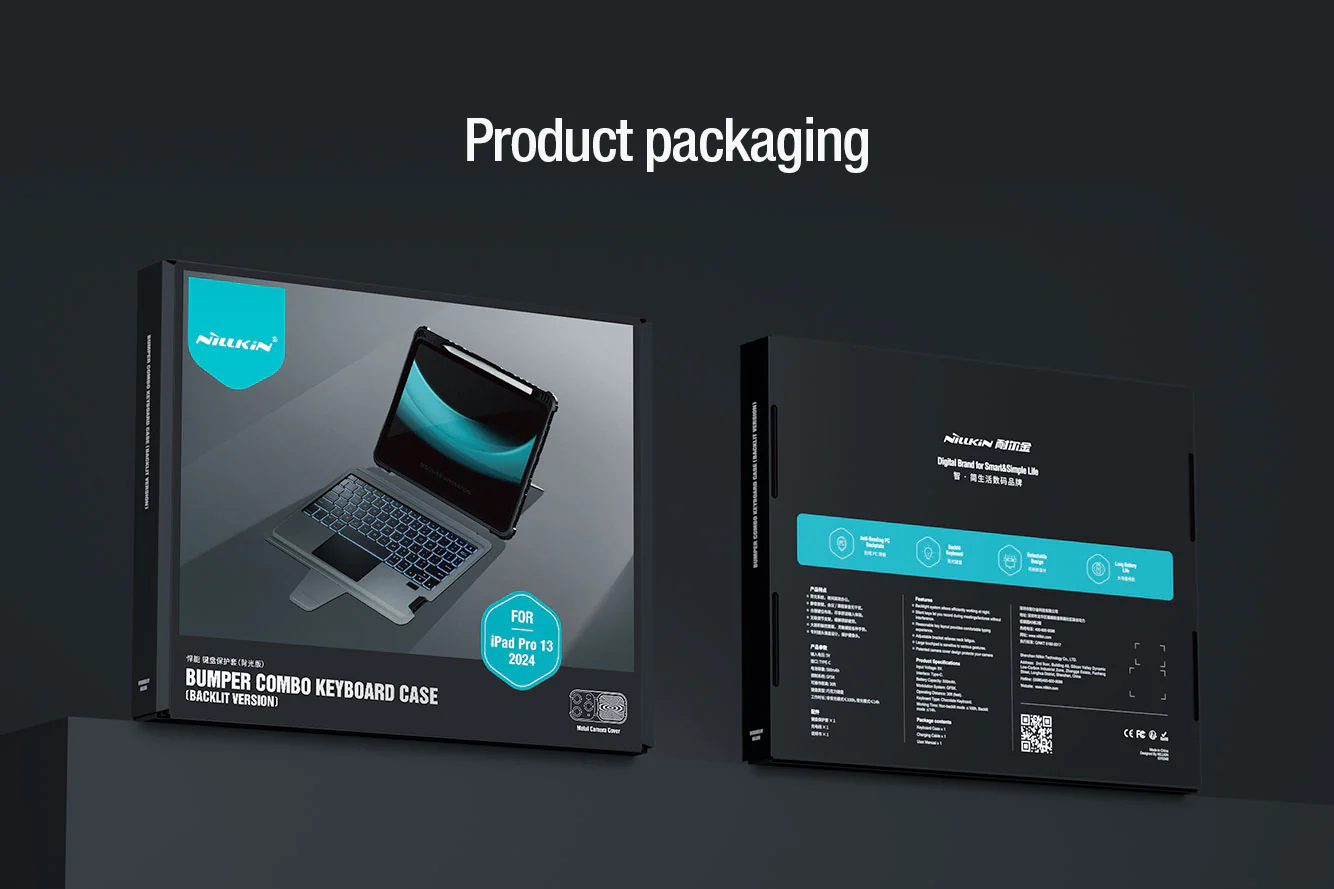
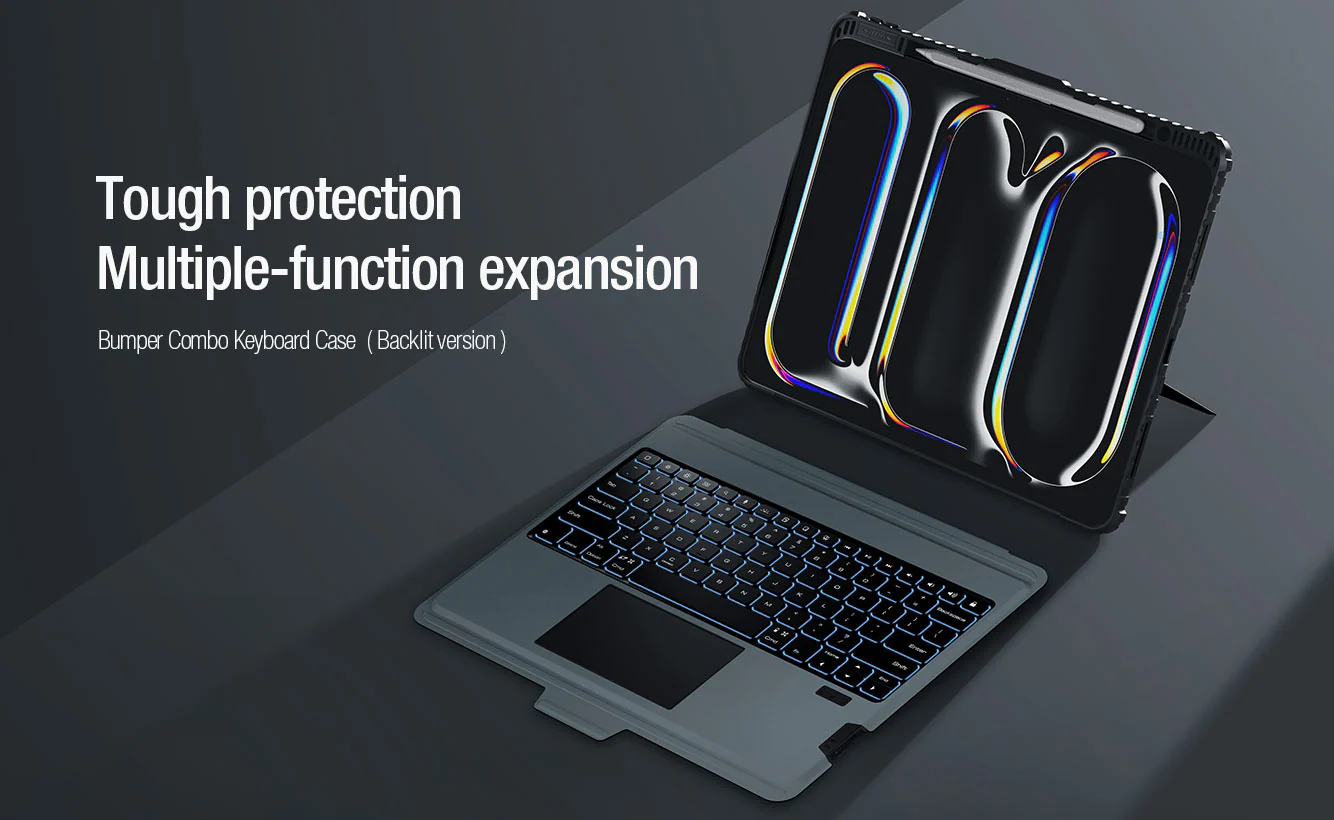
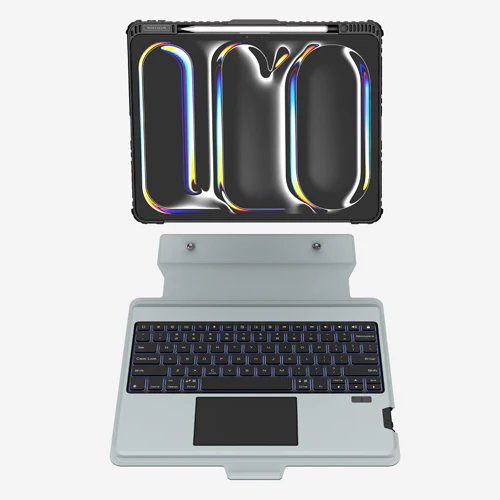
Rugged Detachable Keyboard & Trackpad Case iPad Pro 11 M4 / M5 - Black
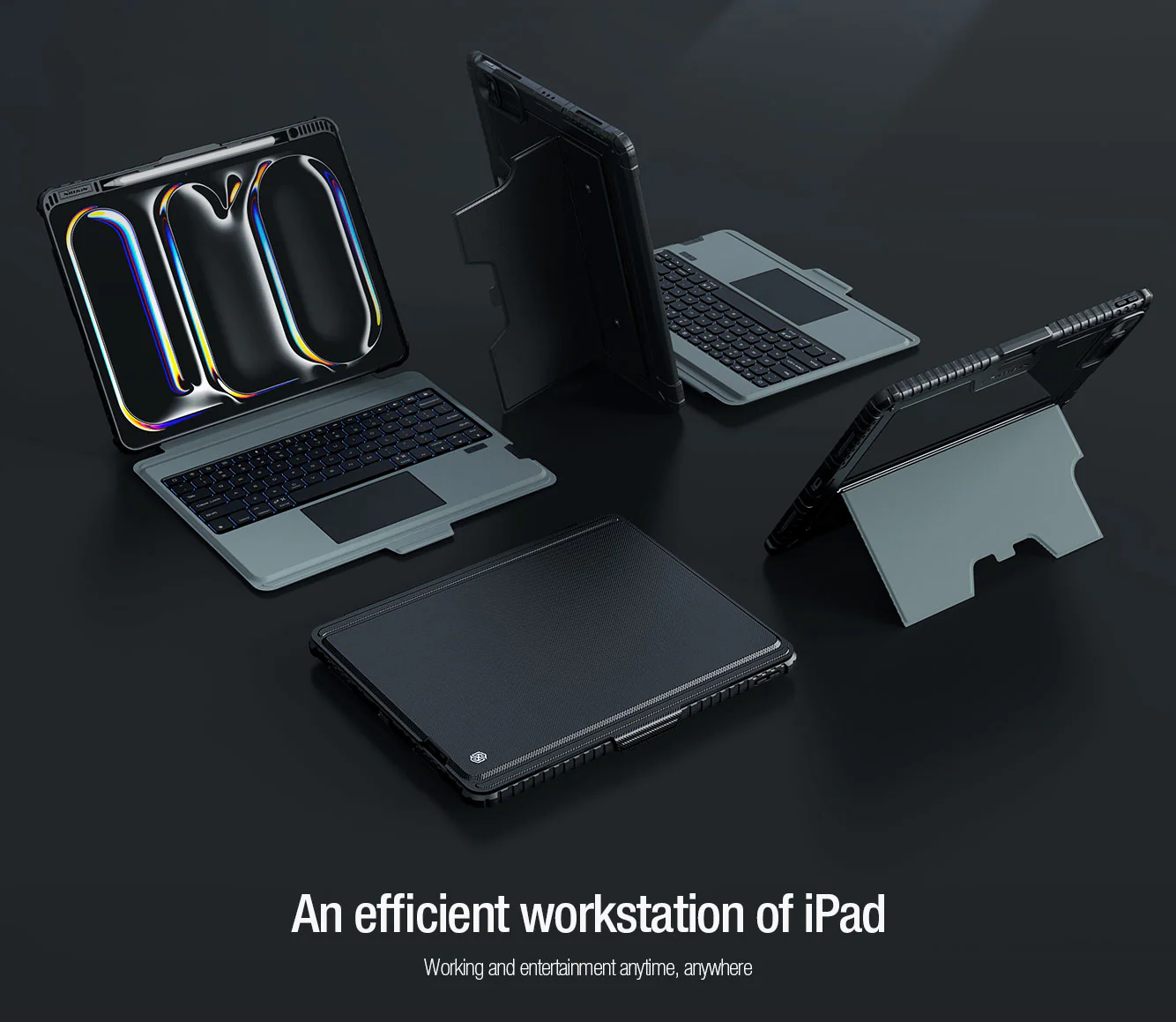
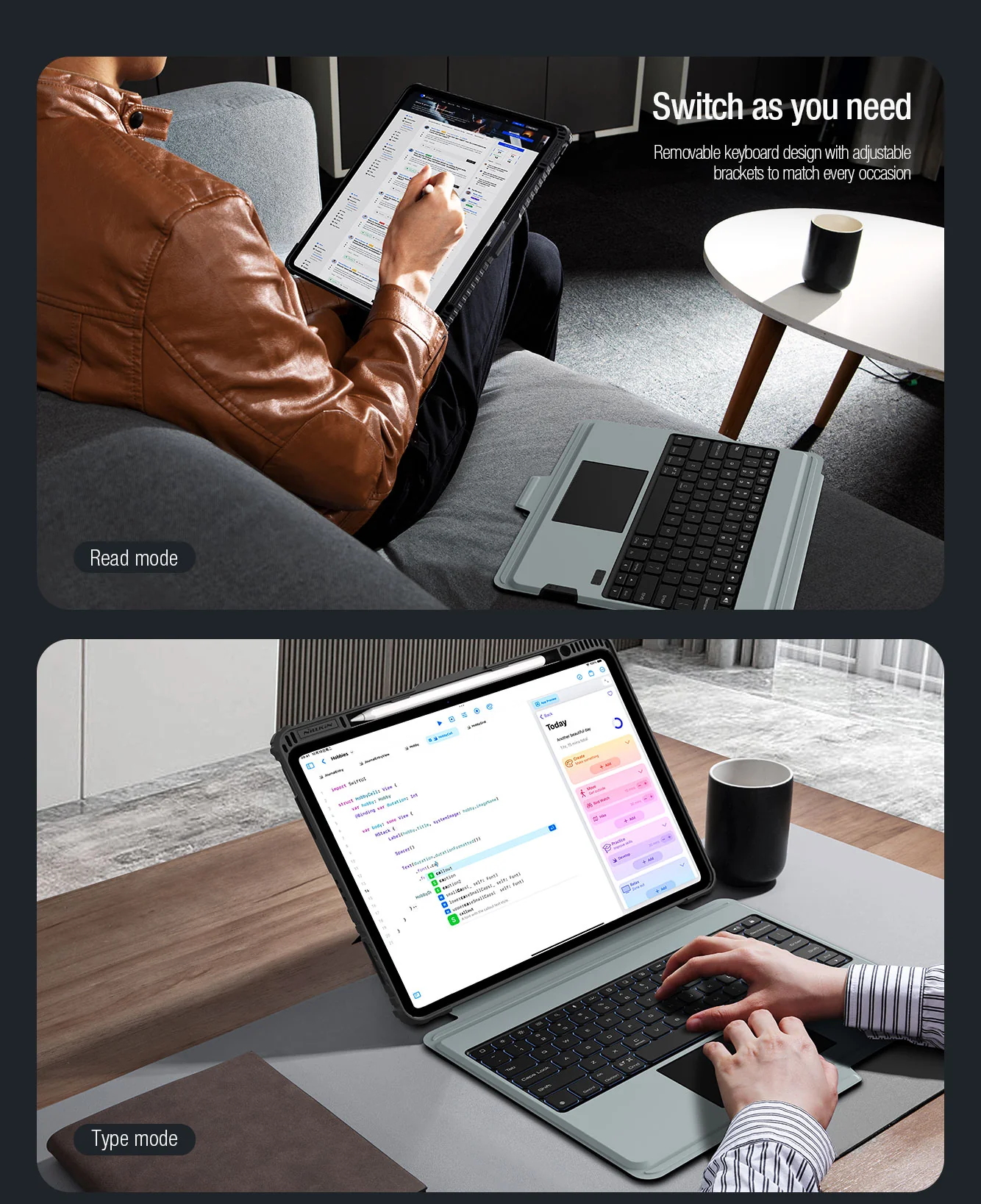
Rugged Combo Keyboard with Trackpad Case is a multi-function keyboard case specially for iPad Pro 11" M4 2024 featuring an adjustable stand, a detachable keyboard and a track-pad that make it convenient to type, view, read and sketch. Also let you enjoy a flexible operation experience. The adopted military-grade anti-fall case wraps tightly around iPad 's edges, offering all around protection. Patented sliding camera cover design efficiently protect iPad's camera from abrasion and scratches. Concise and delicate PU fabric blends with the aesthetics of iPad, a perfect integration of art and technology.
Features
- Rugged & Tough protective iPad case (Detachable from keyboard & Kickstand)
- Bluetooth Keyboard
- Smart track-pad (IOS system track-pad gesture)
- multi-functional mode
- Full Coverage rugged protection
- Sliding back camera protective cover (Metal)
- Adjustable stand
- Detachable case & keyboard
- Magnetic flap keep folio close
- Stylus slot (allow apple pencil charging direct to iPad)
- Support Apple magic trackpad Precise touch technology
- Support Anti mistouch technology
- Independent shortcut key
- 78x pieces keys
- Battery percentage indicator
- Backlit keyboard with 7 colors and 4 brightness levels
Track-pad Assistive Gesture
Note:
IOS 13 mouse function activation: Setting - Accessibility - Touch - AssistiveTouch - Turn On
Keyboard Shortcut
Bluetooth 3.0
Working Voltage: 3.0 - 4.2V
Working Current: <6mA
Charging connection: USB-C
Lithium Battery Capacity: 500mAh
Effective Operating Range: within 10 meters
Working time: Non Backlight mode - 100 hours, Backlight Mode 14 Hours
Included in the box
- Keyboard Case with Track-pad
- Instruction manual
- Charging Cable (USB A to USB-C)
Bluetooth keyboard - How to pair the first initial connection?
- Step 1: Slide the power switch to On position, Power indicator will light on for 3 seconds, then off.
- Step 2: Press FN + Connect, Bluetooth indicator flashes to enter the pairing search mode.
- Step 3: Turn on the Bluetooth setting on the iPad then it will automatically search for Bluetooth devices
- Step 4: Find the bluetooth keyboard and click connect
- Step 5: After successful connection, the device will show as connected and Bluetooth pairing light indicator (on keyboard) will turn off automatically
Once paired, the next time keyboard & iPad Bluetooth is turn on, they will be connected automatically.
Compatible iPad Pro 11" M4 2024
NOT Compatible iPad PRO 11 1st / 2nd / 3rd / 4th Gen
NOT Compatible iPad AIR 10.9
Product Information
Product Information
Shipping & Returns
Shipping & Returns
Description
Rugged Combo Keyboard with Trackpad Case is a multi-function keyboard case specially for iPad Pro 11" M4 2024 featuring an adjustable stand, a detachable keyboard and a track-pad that make it convenient to type, view, read and sketch. Also let you enjoy a flexible operation experience. The adopted military-grade anti-fall case wraps tightly around iPad 's edges, offering all around protection. Patented sliding camera cover design efficiently protect iPad's camera from abrasion and scratches. Concise and delicate PU fabric blends with the aesthetics of iPad, a perfect integration of art and technology.
Features
- Rugged & Tough protective iPad case (Detachable from keyboard & Kickstand)
- Bluetooth Keyboard
- Smart track-pad (IOS system track-pad gesture)
- multi-functional mode
- Full Coverage rugged protection
- Sliding back camera protective cover (Metal)
- Adjustable stand
- Detachable case & keyboard
- Magnetic flap keep folio close
- Stylus slot (allow apple pencil charging direct to iPad)
- Support Apple magic trackpad Precise touch technology
- Support Anti mistouch technology
- Independent shortcut key
- 78x pieces keys
- Battery percentage indicator
- Backlit keyboard with 7 colors and 4 brightness levels
Track-pad Assistive Gesture
Note:
IOS 13 mouse function activation: Setting - Accessibility - Touch - AssistiveTouch - Turn On
Keyboard Shortcut
Bluetooth 3.0
Working Voltage: 3.0 - 4.2V
Working Current: <6mA
Charging connection: USB-C
Lithium Battery Capacity: 500mAh
Effective Operating Range: within 10 meters
Working time: Non Backlight mode - 100 hours, Backlight Mode 14 Hours
Included in the box
- Keyboard Case with Track-pad
- Instruction manual
- Charging Cable (USB A to USB-C)
Bluetooth keyboard - How to pair the first initial connection?
- Step 1: Slide the power switch to On position, Power indicator will light on for 3 seconds, then off.
- Step 2: Press FN + Connect, Bluetooth indicator flashes to enter the pairing search mode.
- Step 3: Turn on the Bluetooth setting on the iPad then it will automatically search for Bluetooth devices
- Step 4: Find the bluetooth keyboard and click connect
- Step 5: After successful connection, the device will show as connected and Bluetooth pairing light indicator (on keyboard) will turn off automatically
Once paired, the next time keyboard & iPad Bluetooth is turn on, they will be connected automatically.
Compatible iPad Pro 11" M4 2024
NOT Compatible iPad PRO 11 1st / 2nd / 3rd / 4th Gen
NOT Compatible iPad AIR 10.9